Bulk Upload
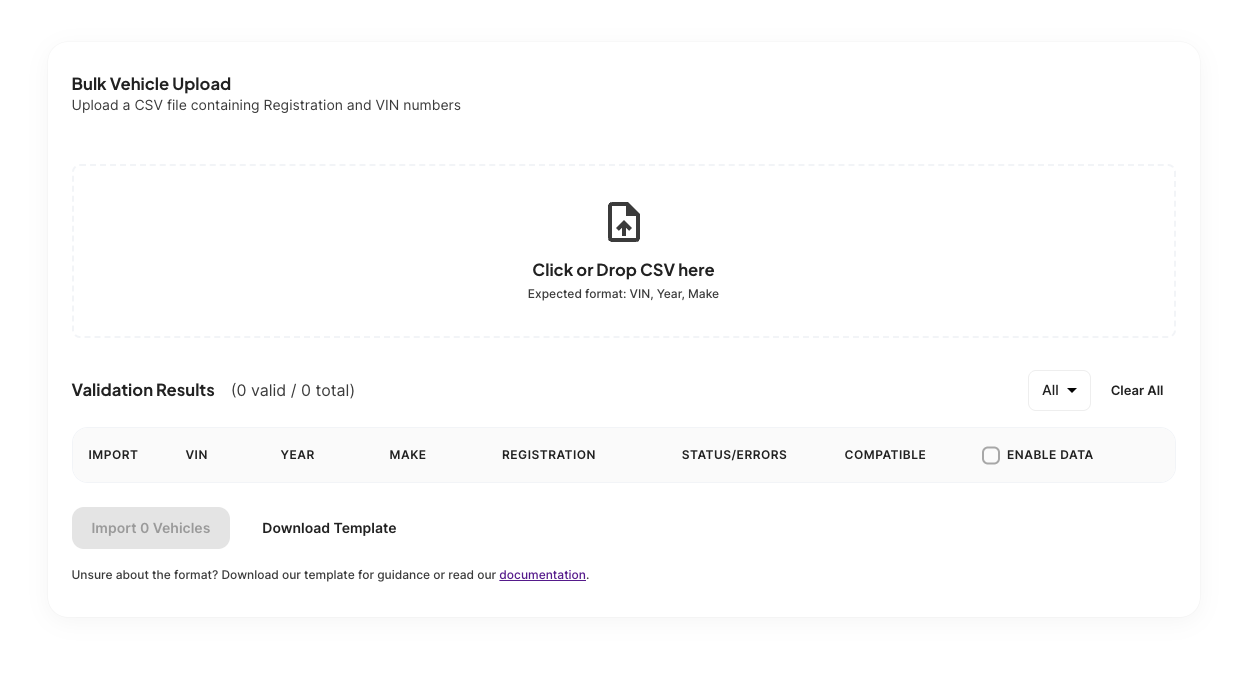
Bulk upload lets you add multiple vehicles to your fleet at once by importing a CSV file. This is the fastest way to get a large number of vehicles into the platform.
Prepare your file
- Open a blank sheet in a spreadsheet program like Microsoft Excel, or download the Traknova import template.
- Create and label columns for VIN, Year, and Make. These fields are required.
- Add your vehicle information into the relevant fields. Make sure there is no leading or trailing whitespace in any cell.
- Save the file in CSV format.
Import to Traknova
- Navigate to Fleet in the sidebar and select Vehicles.
- Click Import and select your CSV file.
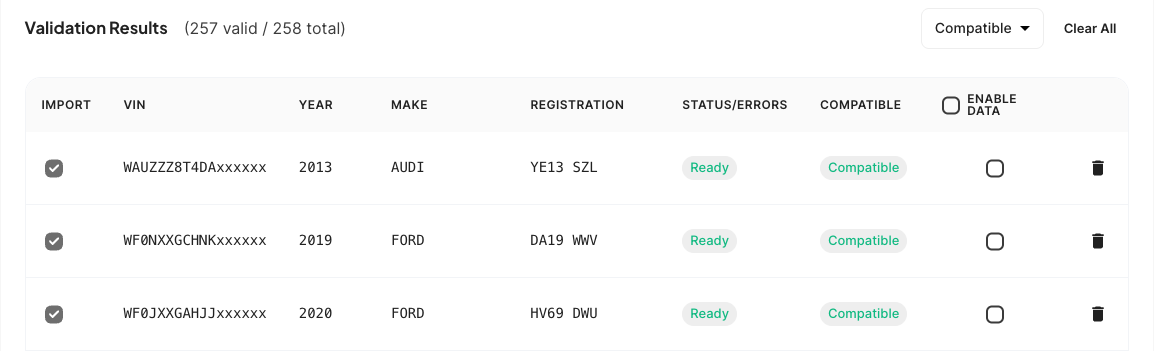
- Review the import preview. Any rows with missing required fields or unrecognised values will be flagged before the import runs.
- Click Confirm to complete the import.
VIN, Year, and Make are required for every row. Rows missing any of these fields will be skipped.
Common problems
Some vehicles were skipped during import.
Check the flagged rows in the import preview. The most common reasons are a missing required field or whitespace in a cell that makes the value unreadable. Correct the affected rows in your spreadsheet and re-upload.
The file was rejected.
Make sure the file is saved as .csv and not .xlsx or another format. Open the file in a text editor to confirm it looks like comma-separated values.
Need help?
Contact Traknova support with a copy of your CSV file and a description of the issue. We can help identify the problem and get your vehicles imported.